
AppSheet Applications
AppSheet applications turn everyday business processes into simple apps.
Goovia designs and builds AppSheet applications around your teams, data and workflows.
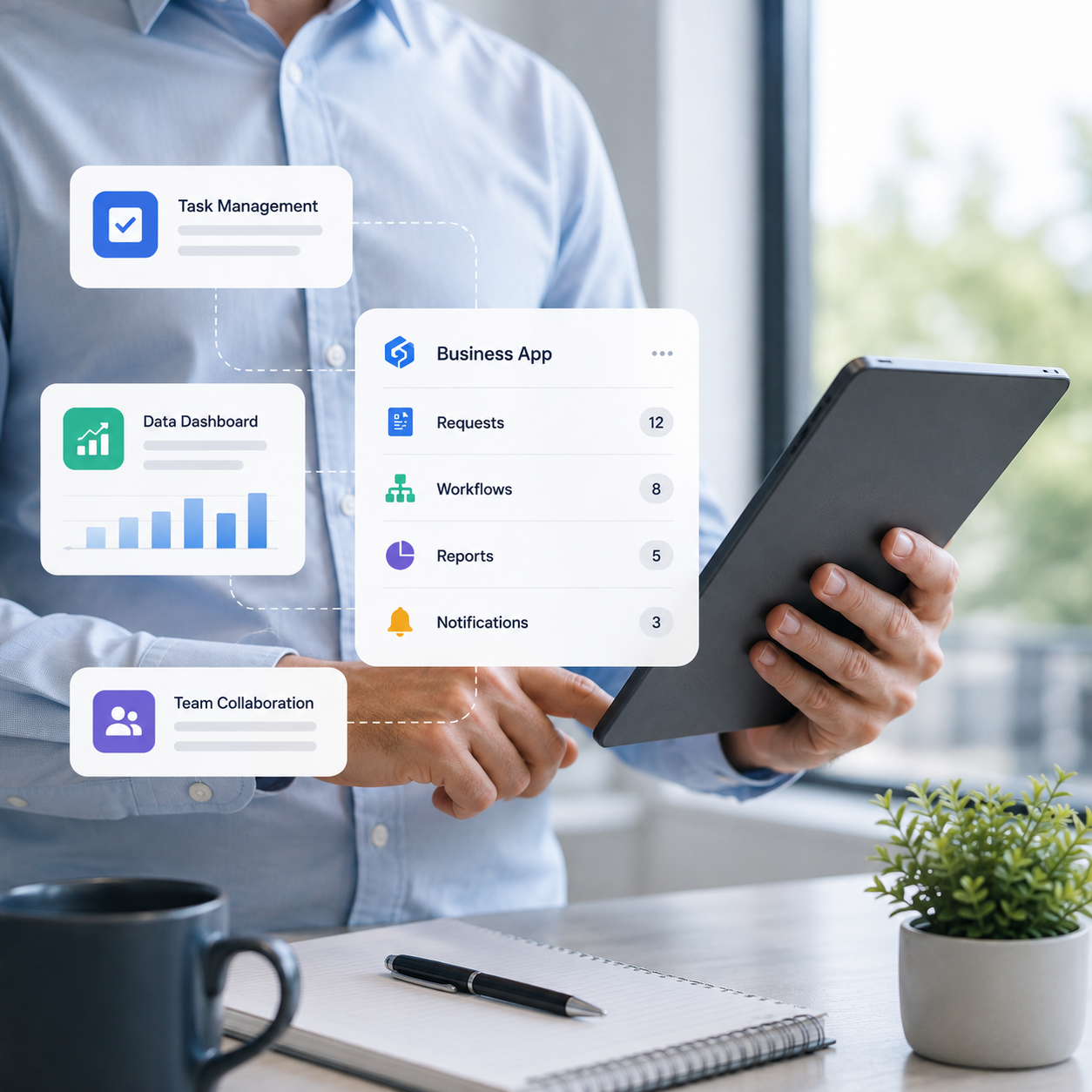
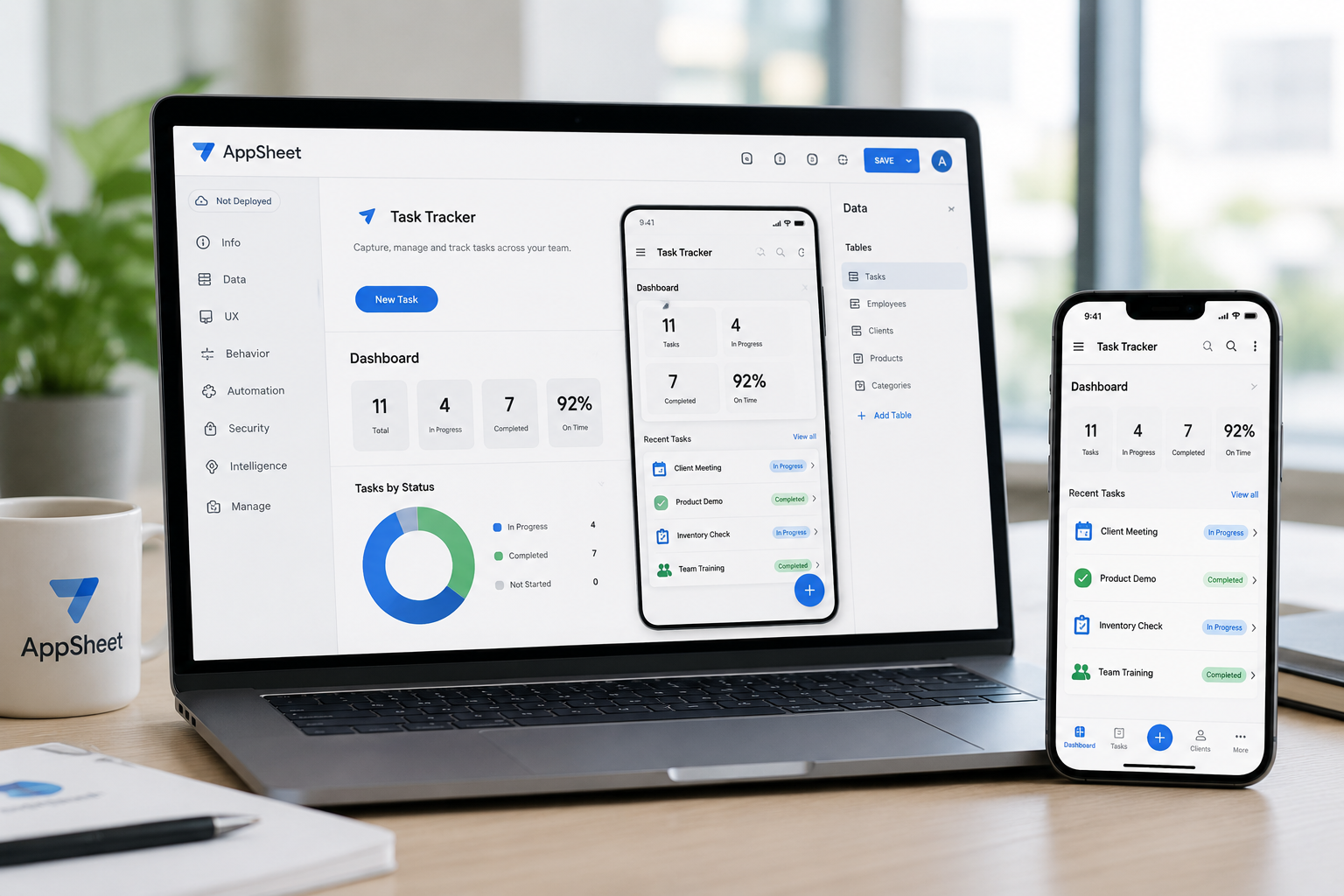
Build business apps without traditional coding
Create mobile and web applications using AppSheet.
Connect existing business data and turn manual processes into easier digital experiences.
Applications designed around your users, information and daily work. From digital forms and site reporting to inventory control and internal dashboards, AppSheet applications help teams capture information, use shared data and keep routine processes moving.
Learn more on the official Google AppSheet page.
AppSheet Application Solutions
Five parts of a practical AppSheet business application.

Custom Business Applications
Build applications around your organisation's real processes and requirements.

Mobile and Field Applications
Give employees simple apps they can use wherever work happens.

Forms and Data Capture
Replace paper forms and manual data entry with structured digital forms.

Connected Business Data
Connect apps to sources such as Google Sheets, databases and other systems.

Security and App Governance
Control users, access and how applications are managed across the organisation.
What does your organisation need from an AppSheet application?
We match the application to your users, data and business process.
What process should the app improve?
Identify the manual task, form or process that needs to be simplified.
Who will use the application?
Understand the employees, teams or external users involved.
What information needs to be captured or viewed?
Define the forms, records, photos, documents and business data required.
What systems should the app connect to?
Review existing spreadsheets, databases and business platforms.
How will the application be managed and supported?
Plan access, testing, updates, training and ongoing ownership.

Design, build and manage your AppSheet applications
Design
Map the process, users, data and application experience before development.
Build
Create the AppSheet application and connect the required business data.
Manage
Maintain users, access, changes and application performance over time.
Simple apps for everydaybusiness processes
Digital Forms and Checklists
Capture inspections, requests and records without paper forms.
Field and Site Reporting
Let employees record updates, photos and information while on-site.
Inventory and Asset Tracking
Track equipment, stock, tools and other business assets.
Sales and Customer Tracking
Give teams a simple way to manage leads, customers and activities.
Operational Dashboards
Show teams the information and status they need in one place.
Internal Business Tools
Replace scattered spreadsheets and manual processes with purpose-built apps.
AppSheet services from idea to rollout
Process Assessment and App Design
Review the current process, users, data and application requirements.
AppSheet Application Development
Build mobile and web applications around your business needs.
Data Structure and Integration
Connect AppSheet with spreadsheets, databases and existing business systems.
User Access and Governance
Configure users, roles, access controls and application ownership.
Testing, Training and Deployment
Test the application and prepare employees for daily use.
Support and Application Improvements
Maintain the app and improve it as business needs change.
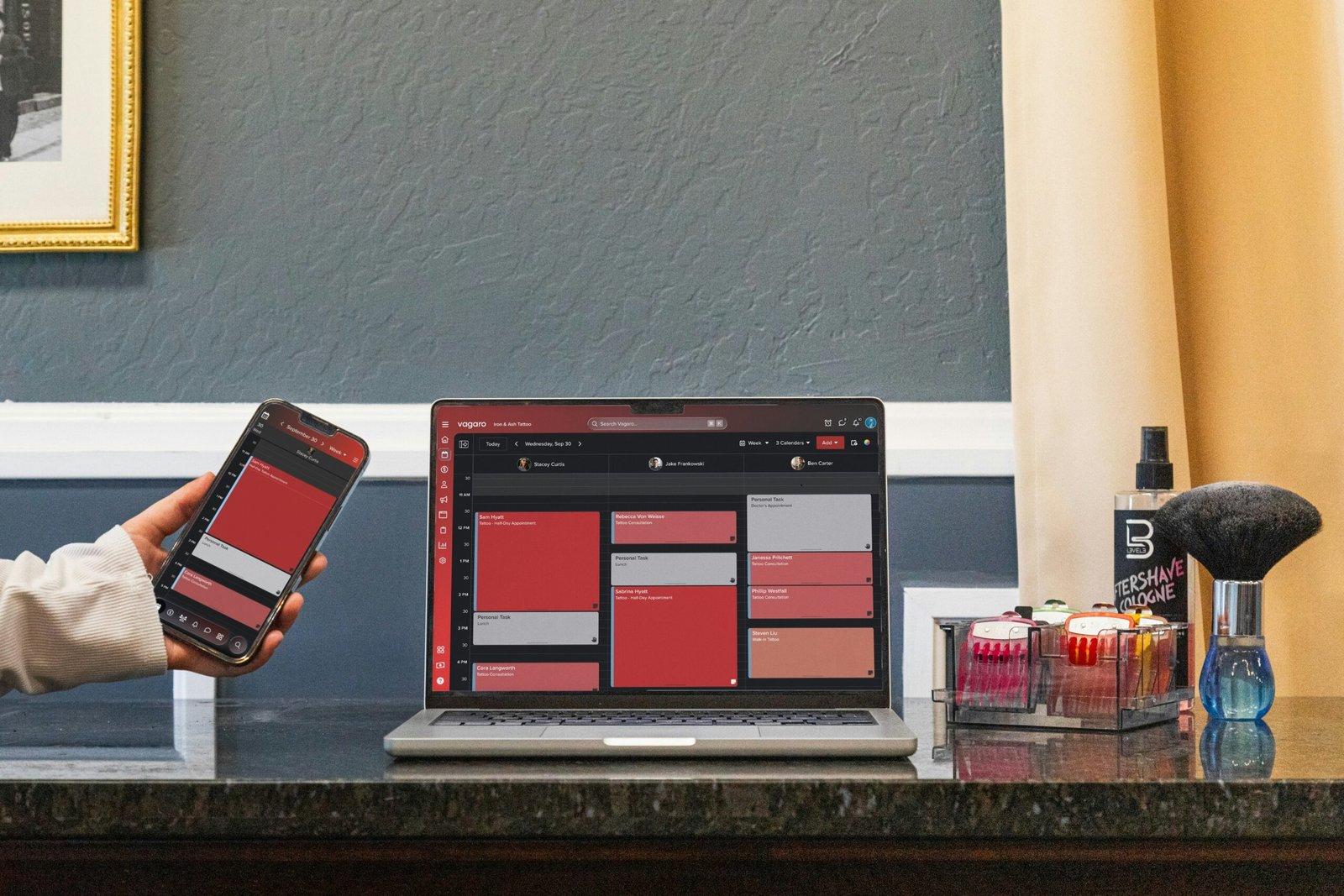
Turn Your Process Into an App
Build an AppSheet application around your business. Tell us which process you want to improve. We will recommend the right AppSheet application approach.