
Business System Integrations
Connect your business systems and keep data moving.
Goovia delivers Business System Integrations that connect Google Workspace, Google Cloud and business applications in one reliable environment.

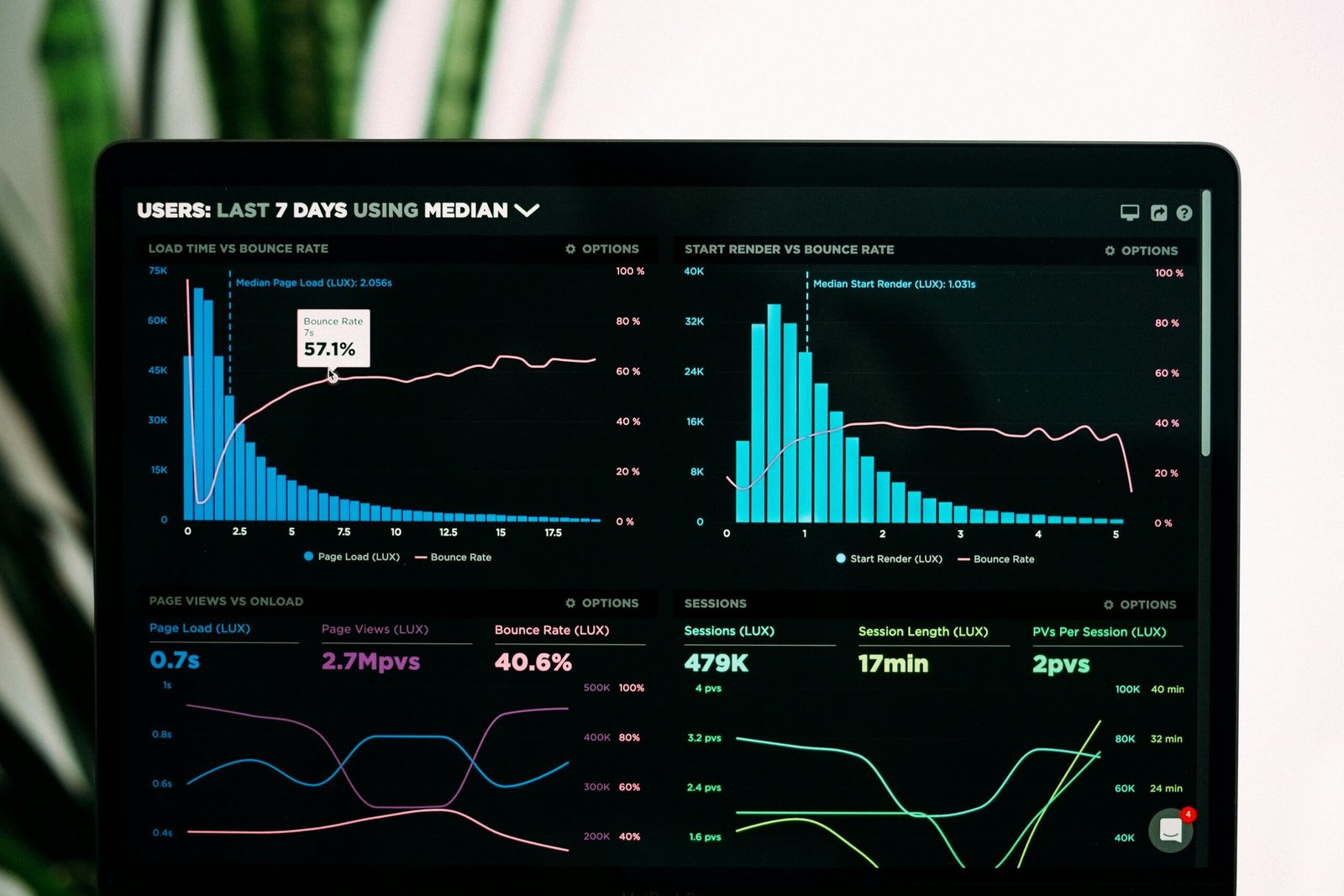
Make your business systems work together
Connect Google Workspace, cloud platforms and third-party applications through APIs and integration tools.
Move and synchronise data between systems without repeated manual entry. See official Google Cloud Application Integration page.
An integration environment designed around your applications, data and business processes.
Business System Integrations
Five parts of a reliable integration environment.

Google Workspace Integrations
Bring Gmail, Drive, Sheets, Calendar and other Workspace services together with business systems.

Business Application Integrations
Link CRM, ERP, finance, operations and other business platforms.

API and Webhook Integrations
Exchange information securely between applications using APIs and webhooks.

Data and Database Integrations
Synchronise information between databases, applications and cloud services.

Cloud Integration and Connectors
Use Google Cloud integration tools and connectors for broader system connectivity.
What does your organisation need to connect?
We match the integration approach to your systems, data and business requirements.
Which systems need to work together?
Start by identifying the applications, databases and platforms that need to connect.
What data needs to move between them?
Then define the records, files and business information each system needs.
How quickly should data be synchronised?
Decide whether updates should happen instantly, on a schedule or when needed.
How should access and data be secured?
Set authentication, permissions and protection for every connection.
How will integrations be monitored and supported?
Also plan error handling, visibility, maintenance and future system changes.
Connect, synchronise and manage your business systems
Connect
Link Google services, business applications, APIs and databases.
Synchronise
Keep important information consistent between connected systems.
Manage
Monitor integrations, handle errors and support ongoing changes.
Keep information connected across everyday business systems
Connect Customer and Sales Systems
Make customer, lead and sales information available across platforms.
Link Workspace with Business Applications
Link Gmail, Drive, Sheets and Calendar with the systems teams use.
Synchronise Operational Data
Align orders, records, inventory and other operational information.
Connect Forms and Data Sources
Send captured information into the right business system.
Exchange Data Through APIs
Let applications securely send and receive the information they need.
Reduce Duplicate Data Entry
With connected systems, employees do not need to enter the same information repeatedly.
Business integration services from planning to support
Integration Assessment and Solution Design
Review systems, data flows, requirements and technical constraints.
Google Workspace Integration
Connect Workspace services with internal and third-party business applications.
API and Webhook Development
Build secure connections between systems using available APIs and webhooks.
Google Cloud Integration Implementation
Use Application Integration and connectors for scalable system connectivity.
Data Mapping and Synchronisation
Map information correctly and keep data aligned between connected systems.
Testing, Monitoring and Support
Test integrations, monitor failures and support ongoing system changes.
Connect Your Business Systems
Tell us which systems you need to connect. We will recommend the right integration approach.